Newsletter - Campaign Tracking
When you send your newsletters our campaign tracking provides a basic way of seeing the status of the newsletters sent.
So what does it all mean?
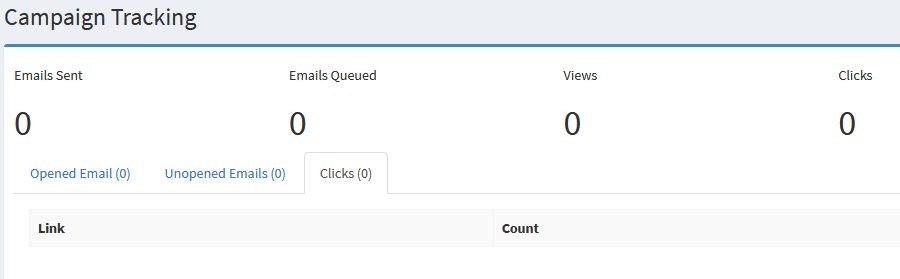
Emails Sent - Total number sent
Emails Queued - The total currently in the queue to be sent. (100 every 5 minutes)
Views - How many views from users
Clicks - The number of clicked links within the newsletter
Unopened - This will display the number of emails that have not been sent. Please be aware that any users who choose not to display images will not be counted.
Clicks - This show the number of clicks and the actual links clicked within your newsletter.
PLEASE NOTE THAT ALL EMAIL TRACKING SYSTEMS RELY ON END USERS DISPLAYING IMAGES WE WOULD ESTIMATE THAT 90% OF END USERS WILL ALLOW IMAGES IN ORDER TO SEE EMAILS CORRECTLY AND ALL IMAGES WITHIN. SOME USERS WILL TURN THIS FEATURE OFF AND THEY WILL NOT BE VISIBLE WHEN LOOKING AT TRACKING STATS.