Payments - Deactivating Postcode/Zip Code Validation Stripe
We have been made aware of some payments failing due to Zip/Postcodes not matching with the Bank records. Having reported this to Stripe, they have advised that this element of security can be switched off in your Stripe account, to prevent this issue stopping valid payments.
It appears that payments that should not fail, do so due to a discrepancy between the way in which Banks store the information and that entered by users. For example, a post code entry ZY5 4AB maybe stored by Banks as zy54ab failing validation. (As a rule all postcodes should be entered in uppercase as per the guidelines from the Royal Mail)
Whist the Zip Code/ Post Code is a automatically set by Stripe, we wanted to highlight how you can deactivate this feature within your Stripe Dashboard.
To deactivate the Default Postcode check:
> Login to your Stripe Dashboard
> Once on your Stripe dashboard, using the left handside menu select SETTINGS > RADAR
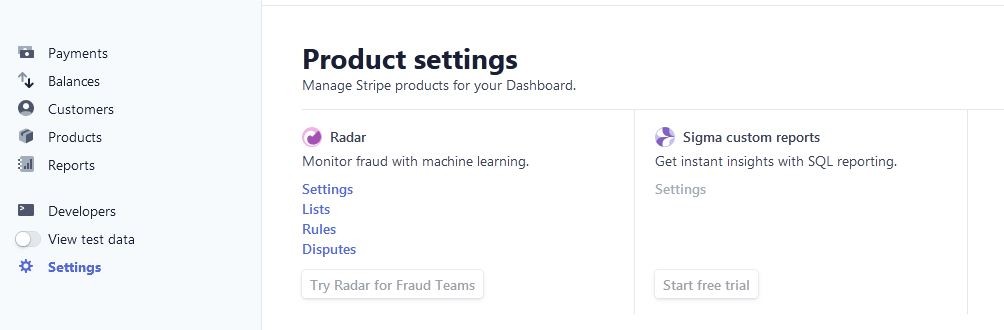
> You will then have 4 further selections, click on Rules and you will see the screen below
> You will see 3 dots to the right of the rule, click on it to disable the rule

> Once the rule is disabled you will see this.
