Payments - How do I refund a participant?
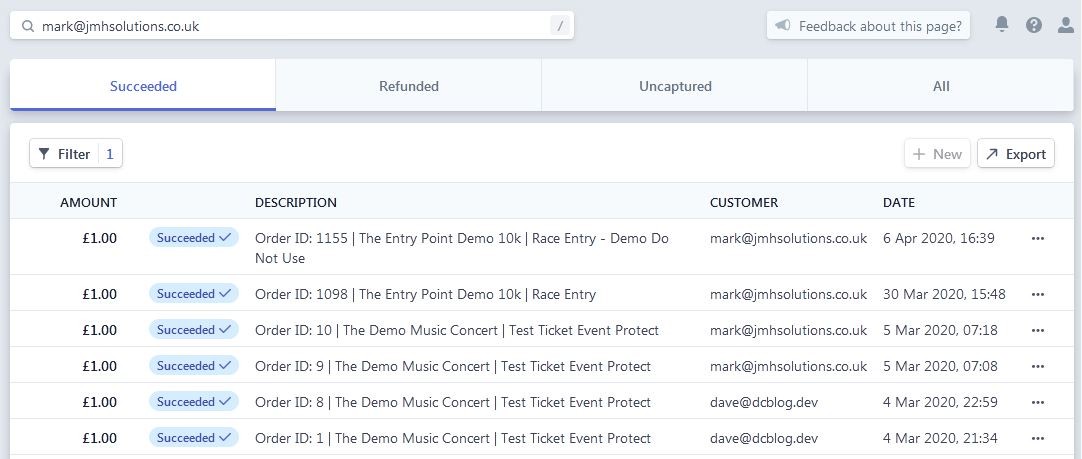
If for some reason you need to refund a transaction you will need to login to your stripe account and find the transaction to refund we find that using the email address to search makes things much easier.
Please note that in order to refund a customer you will need to have the funds within your stripe account. Any refunds whilst having a negative balance will have a status of pending until you add or receive funds into your account.
-
Find the charge to be refunded in the Payments overview page.
-
Click the ••• icon to the right of the charge and select Refund charge.
-
Enter the amount to be refunded. The default is a full refund. For a partial refund, enter a different amount to be refunded.
-
Select a reason for the refund. If you select Other, you must provide an explanatory note that is attached to the refund.
-
Click Refund.
Once you have refunded the participant you can mark them as refunded within the The Entry Point administration dashboard. This will free up the place for someone else to purchase the ticket.