Race Timing - Timing a Cycling Time Trial Event
Timing a Time Trial Event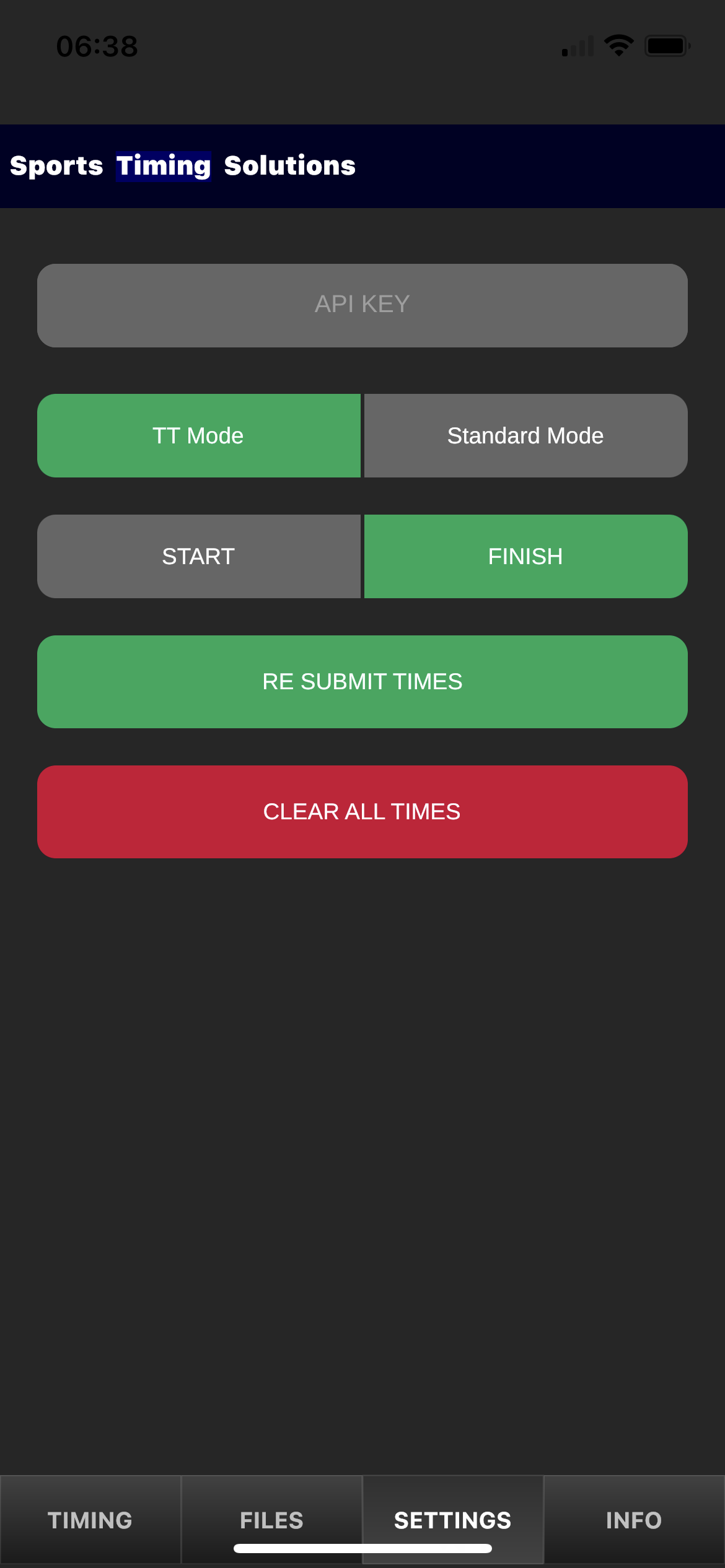
STS Pro Time has had a unique feature built in especially for Cycling Time Trial events.
You can time a time trial event in 2 ways:
Single Device (Iphone etc)
- 1 device would be located on the finish line and records the time the rider finished using the TT Mode and a FINISH timing point
- You will need to create your start times by logging in and creating riders start times.
2 Devices (This is by far the easiest solution)
- 1 device would be located on the start line and records the time the rider started using the Standard Mode and a START timing point
- The second device would be located on the finish line and records the finish time as the riders finish. using the TT Mode and FINISH timing point.
All times are uploaded in real time and can be viewed on the live leaderboards. these leaderboards can be shown in Race HQ and also viewable by anyone online.
This can also be used for timing any event where you record Start & Finish times. i.e Cycle Sportive, Stair Climb Events etc
TT Mode
TT Mode is a 2 step process. As the riders are generally riding towards you it is hard to see or know the riders number unles you have a spotter further up the road.
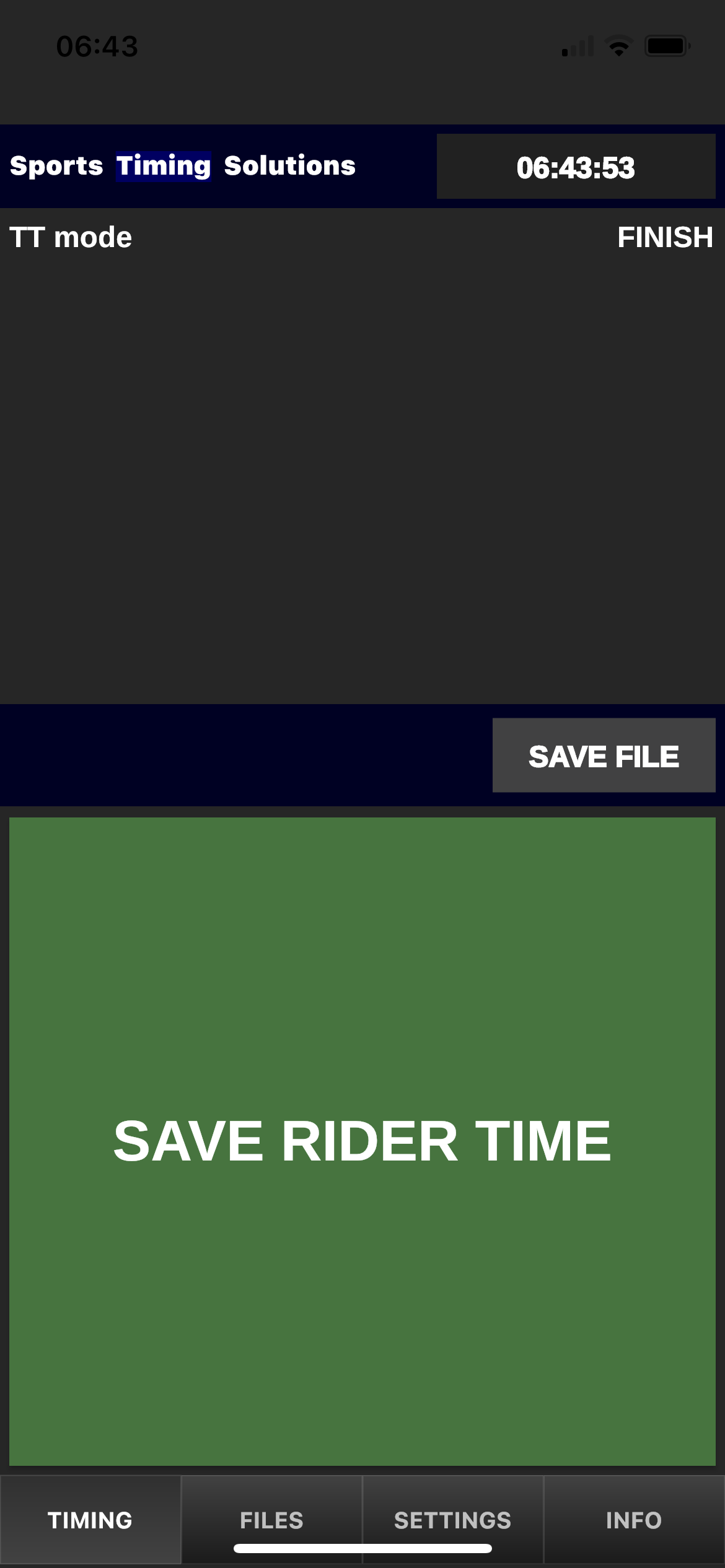
In order to record the time of the rider you will notice that you have a large green button that says SAVE RIDER TIME press this button when the rider hits the finish line. This in turn records the time.
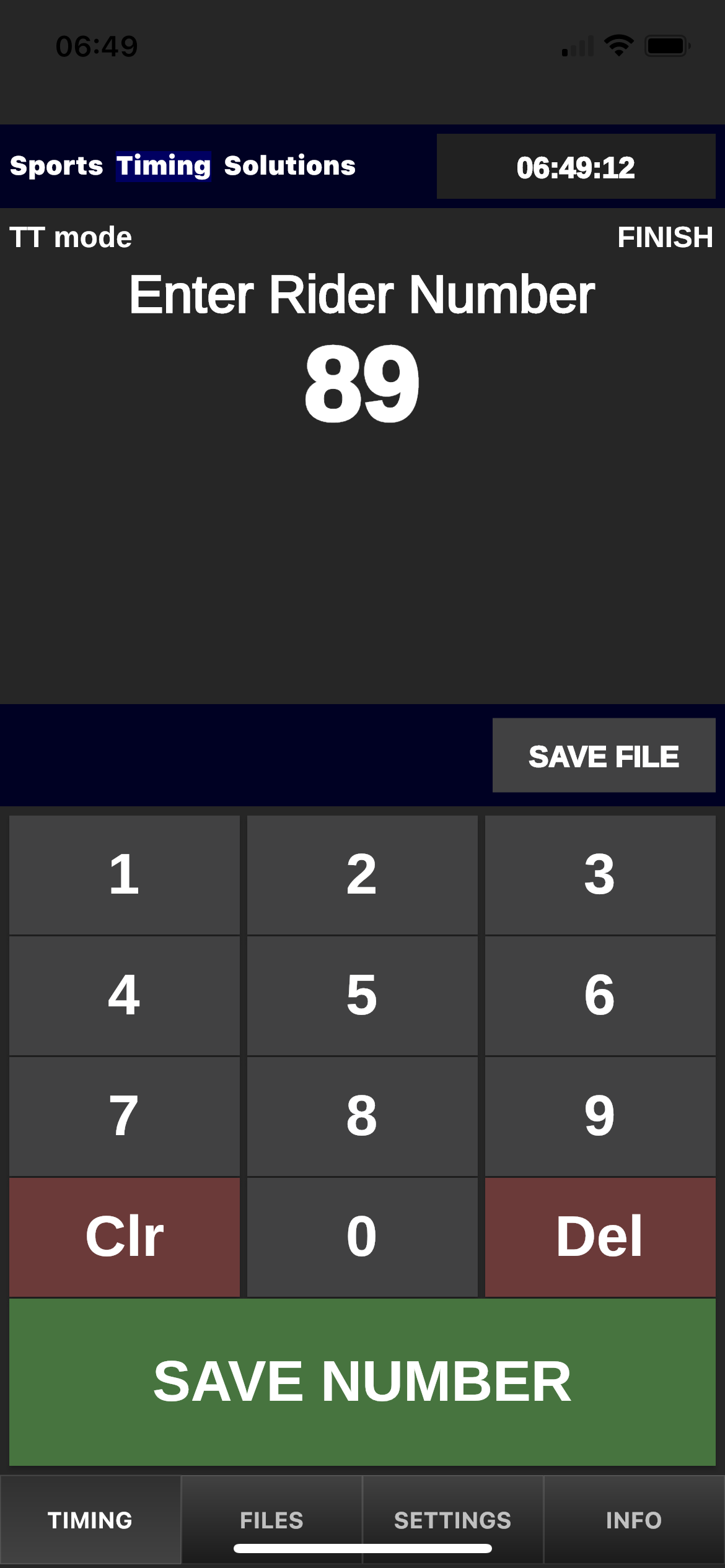
You will then be presented with our general keypad where it asks you to Enter Rider Number You will have had sufficient time to see the number on the riders back and you can type in the rider number and click SAVE NUMBER