Creating Virtual Events
Introducing Virtual Events
With the mass cancellation of events due to the Covid-19 virus we have seen a surge in events wanting to change their events or host a virtual event.
We have developed our system so that you can do this and nearly the whole process is fully automated. (you only need to verify times if you wish to)
Its very simple: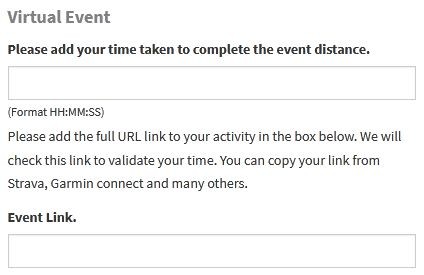
1 - Create your event and turn the Virtual Event option on
2 - When you create your event ensure that you also turn the editing details on. (The participants can then login and add their time along with the link to the evidence needed)
You can then of course add a customised message letting your participants know that it is a virtual event and they can login and add their times.
When participants have logged in and added their time they will appear on the virtual results page. Please note these times are not official and are really for a bit of fun.